Put your home on the map.
Have a suitable outdoor mounting spot with a clear view of the sky? Ask us to review your location and discuss what hosting could involve.
Ask about home hosting
FORT WORTH / DALLAS · OTHER LOCATIONS BY REVIEW
FLITEGRID BY SKYSAFE
Help SkySafe track nearby drones by hosting a sensor at your location.
Up to $25 monthly through TX HIFI for a qualifying location. Payment depends on activation, reliable power and your signed hosting agreement. Confirm the amount and payment schedule with TXHIFI before agreeing.
Equipment availability can affect installation and shipping schedules. TXHIFI will confirm availability and timing before you agree. Submitting an inquiry does not guarantee an installation date.
Check My Address for HostingExplore hostingCall TXHIFI · (817) 203-4589Compare Helium Wi-Fi and FliteGridCOMMUNITY BENEFITS
Learn how FliteGrid hosts expand drone awareness for airports, public safety teams and critical infrastructure.
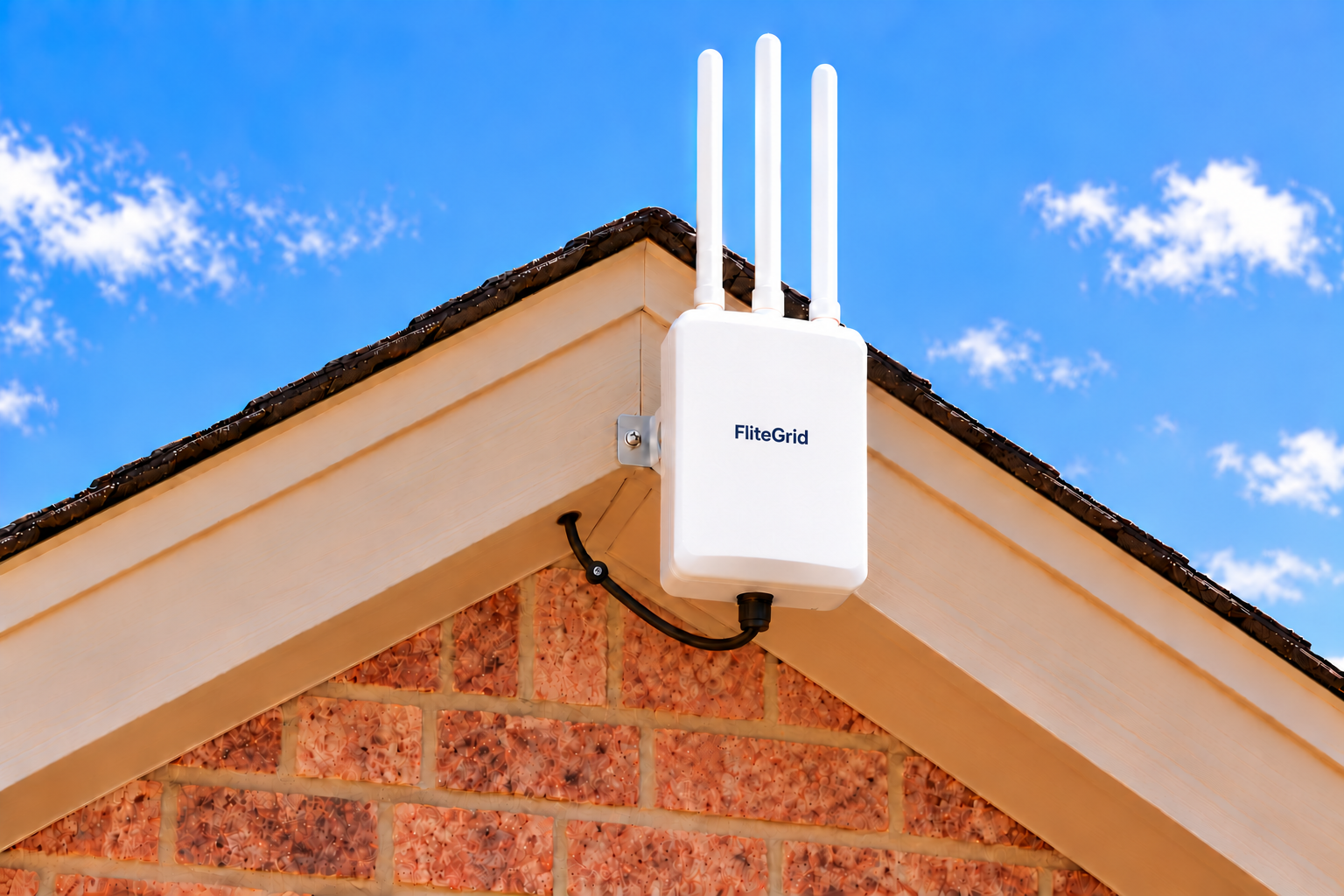
Small outdoor sensorA location with a clear sky view
No home Wi-Fi neededBuilt-in cellular connectivity
Local point of contactTalk directly with TX HIFI
THE IDEA IS SIMPLE
FliteGrid by SkySafe is a community-powered drone tracking network. TXHIFI helps qualifying property owners participate as hosts.
Remote ID is a broadcast from a drone that shares its identity and location. FliteGrid’s outdoor sensors receive nearby broadcasts and send the information to SkySafe, helping customers understand drone activity in the area.
Your role is to provide an approved outdoor location and reliable power. The sensor uses built-in LTE to send data, so it does not need your home or business Wi-Fi.
Have a home, business or property you manage? Start with a conversation about your location and the available coverage area.
Learn about the FliteGrid networkYOUR HOSTING JOURNEY
You’ll work directly with Aaron Green. We’ll review your address and eligibility, then agree on the next steps with you.
Tell us about the property, your contact details and whether you own or manage it.
We review the exact hex, current availability, mounting spot and power.
The property owner or an authorized representative must approve installation.
Agree on payments, costs, access, support and removal before signing.
Confirm equipment availability and an installation or shipment plan before scheduling.
Confirm the sensor is activated and operating. Host payments begin when the signed agreement’s conditions are met.
Equipment availability matters. Installation and activation timing depend on shipment, site readiness and setup. Ask TXHIFI for the latest confirmed schedule; dates can change. Submitting an inquiry does not reserve a hex, activate a sensor or start payments.
These are the topics we will review together. Your signed agreement sets the terms for your location.
Confirm your host payment amount or calculation, qualifying conditions, start date, payment schedule and what happens during downtime. The TXHIFI offer is up to $25 per month for a qualifying, activated location under the signed agreement.
Review electricity costs, any agreed reimbursement, equipment and installation charges, and who supplies each item. The sensor uses built-in cellular connectivity; no home Wi-Fi is needed.
Agree on placement, who installs the equipment, permission to access it, maintenance responsibilities and how to report a problem. Discuss any contractor arrangements before work starts.
Confirm notice requirements, equipment ownership, who arranges removal, responsibility for mounting repairs and any final payment or return conditions.
YOUR SENSOR’S ROLE
Hosting a FliteGrid sensor helps expand drone awareness around important locations. Your sensor receives nearby drone Remote ID broadcasts and sends them to SkySafe, where the information supports airports, public safety teams, and infrastructure operators in understanding activity around their sites.
SkySafe combines sensor data in its platform to support live monitoring, historical analysis and operational planning. Your hosting location helps extend the coverage available to those customers.
See how FliteGrid data reaches SkySafe customersSKYSAFE · PLATFORM VIDEO
See examples of drone identification, detection history and map tracking in this SkySafe platform video.
CUSTOMER STORIES
See how SkySafe customers use drone intelligence to monitor activity and coordinate a response.
At the Farmers Insurance Open, SkySafe helps organizers distinguish approved broadcast drones from unauthorized flights and share location information with response teams.
Read SkySafe’s PGA Tour customer storySkySafe’s university case study describes how police used drone tracking and location information to find an unauthorized drone operator.
Explore the university story and videoThese stories feature SkySafe’s broader customer platform. FliteGrid hosts contribute Remote ID data to SkySafe’s community-powered network.
HOMES & BUSINESSES
Location comes first. A suitable outdoor spot and reliable power are the starting point.
Have a suitable outdoor mounting spot with a clear view of the sky? Ask us to review your location and discuss what hosting could involve.
Ask about home hostingOwn a business or manage a building? Let’s discuss the location, outdoor access, power and permission needed to explore a sensor installation.
Ask about business hostingHosting depends on location availability, site suitability and the applicable program terms. Contact TX HIFI to discuss the local offer.
EXPLORE THE COVERAGE AREAS
Meacham, Alliance, Handley, Arlington and FMC / TCC South Campus are featured areas—not the only locations available. Choose an area below, then tap a numbered hex to explore its streets.
Additional opportunities exist across Texas, including areas near airports, power generation facilities, schools, correctional facilities and other vital infrastructure. Areas outside Texas may also become available as FliteGrid adds coverage locations. We’ll keep adding locations to this site. Contact TXHIFI with your property address to find out whether your location qualifies, even if it is not shown on the map.
Check My Address for HostingAvailability depends on the specific location and current coverage needs. Being near one of these facilities does not automatically qualify a property.
The maps show selected reference areas, rather than every available location. TX HIFI must confirm current availability for your address.
Locations: Meacham Airport, Alliance Airport, Handley, Arlington and FMC / TCC South Campus
Loading numbered hexes…
This map contains 94 reference hexes: 27 at Meacham, 33 at Alliance, 12 at Handley, 10 at Arlington and 12 at FMC / TCC South Campus. All use H3 IDs supplied in FliteGrid details screenshots, with centers checked and exact resolution-8 H3 boundaries calculated from those IDs. Four older provisional Meacham entries were excluded; new verified entries use M29–M31. All included hexes were shown open for reservations in the October 9, 2026 screenshots. These are reference areas, not TXHIFI reservations or active sensor locations. Current availability and property eligibility must be confirmed with TXHIFI. An inquiry does not reserve a location.
Street maps are provided by OpenStreetMap. Map tiles load from its servers when this section comes into view.
THE EQUIPMENT & YOUR PROPERTY
TXHIFI will review the mounting location, access to power and owner permission before an installation is arranged.
For qualifying locations outside the Fort Worth/Dallas area—including areas outside Texas as FliteGrid adds them—TX HIFI can ship equipment for self-installation after your location is approved and your hosting agreement is signed. Contact TXHIFI to review the mounting requirements, installation details and shipping terms before shipment.
Within the Fort Worth/Dallas area, contact TXHIFI to arrange local installation.
Ask about your locationTAKE A CLOSER LOOK
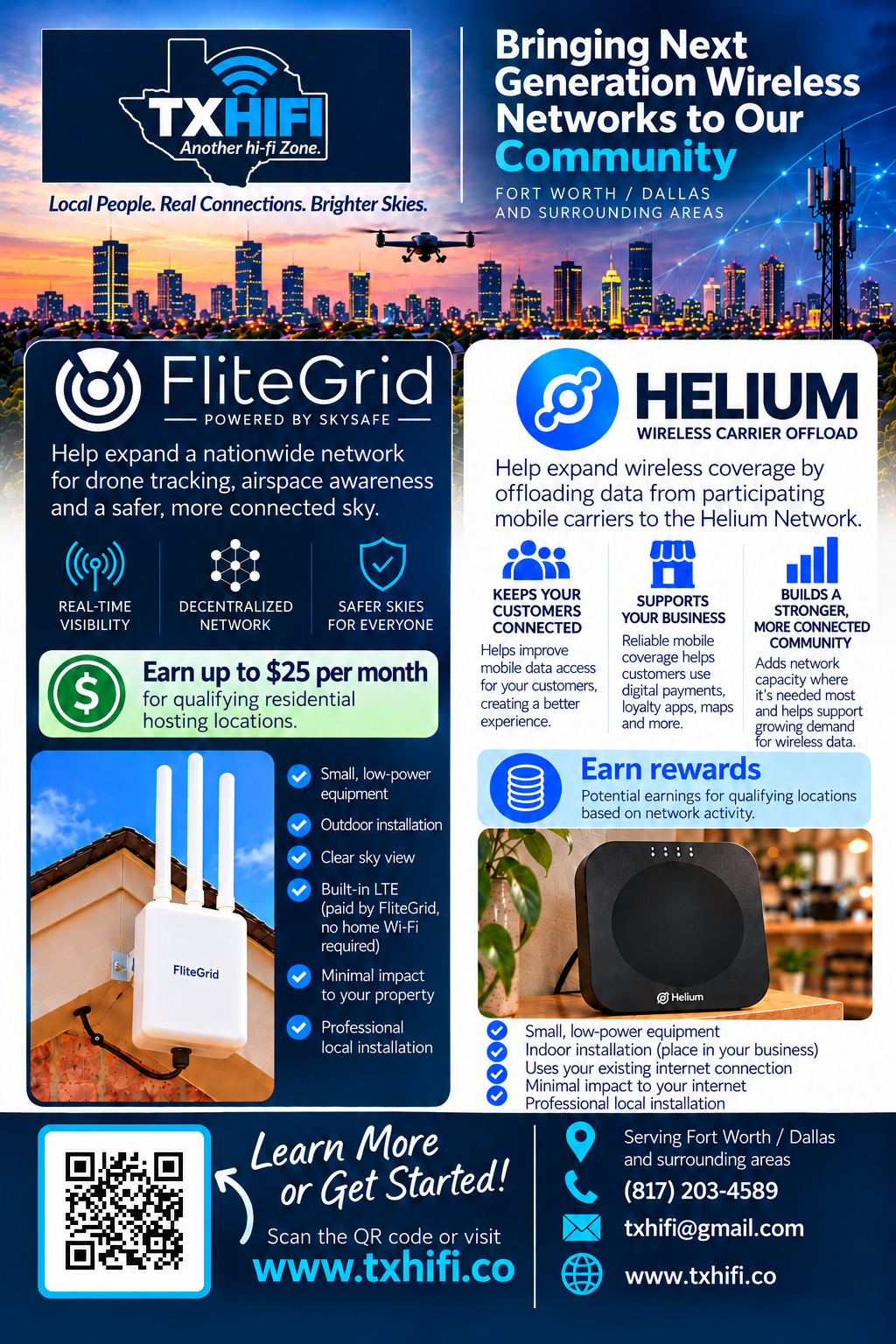
View or download a postcard for your area.
Download all print sheets — English & Spanish (ZIP)
Renters can download this one-page flyer to share with the property owner.
Download owner flyer



MEET YOUR LOCAL CONTACT
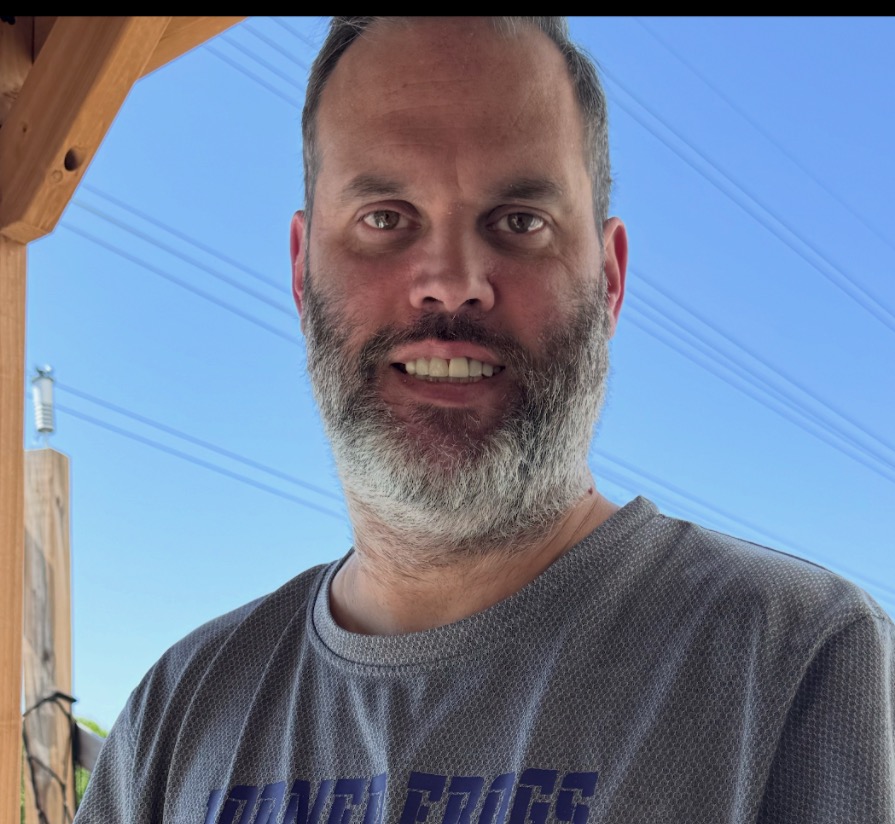
Hi, I’m Aaron Green, the founder of TX HIFI and a lifelong Fort Worth area resident.
I’m a registered nurse with more than 17 years of experience and a graduate of Texas Christian University. My nursing career has shaped how I work with people: listen carefully, explain things clearly, and follow through.
I started TX HIFI to bring my interest in technology into the community I call home. My work includes Helium Wi-Fi and FliteGrid hosting. I help business owners and property owners explore ways to support growing networks, improve connectivity, and potentially earn hosting income.
My approach is straightforward and personal. I want you to understand what the equipment does, what hosting involves, and whether it makes sense for your location. When you contact TX HIFI, you’re talking directly with me.
Based in the Fort Worth–Dallas area, I’m proud to help connect local people and places with new technology opportunities.
A FEW GOOD QUESTIONS
It receives nearby drones’ Remote ID broadcasts and sends them to SkySafe. The network contributes to awareness of drone activity.
FliteGrid’s current sensor offering uses built-in LTE connectivity. You provide a suitable outdoor location and reliable power.
The TX HIFI local offer is up to $25 per month for a qualifying property. Location availability, activation, power and the signed hosting agreement determine eligibility. Confirm the payment amount, timing and conditions with TXHIFI before committing. FliteGrid’s direct program has its own terms.
Availability varies by coverage area. The location also needs a suitable outdoor spot and reliable power. Meacham, Alliance, Handley, Arlington and FMC / TCC South Campus are featured areas; other locations may qualify. Send your address to TXHIFI for review, even if your location is not shown on the map.
No. Additional opportunities exist across Texas, including areas near airports, power generation facilities, schools, correctional facilities and other vital infrastructure. Areas outside Texas may also become available as FliteGrid adds coverage locations. We’ll keep adding locations. Contact TX HIFI to confirm current availability for your specific address.
Yes, for approved locations outside the Fort Worth/Dallas area. We first confirm that your location qualifies and obtain your signed hosting agreement, then arrange shipment for self-installation. Review installation requirements and shipping terms with TXHIFI before shipment. Within the Fort Worth/Dallas area, contact TXHIFI to arrange local installation.
SkySafe’s direct host guide states that SkySafe owns the sensor. Your TX HIFI agreement will identify the equipment owner and your responsibilities before installation.
Ask TXHIFI for the full cost details for your TX HIFI arrangement, including installation, mounting, electricity and any deposit or shipping charges. You can request a property review without making a payment. FliteGrid’s direct reservation program has separate deposit and shipping terms.
The sensor needs reliable power, and built-in LTE handles its connection. The confirmed power draw and expected electricity cost for the equipment at your property should be reviewed with TXHIFI before you agree. No specific wattage or monthly electricity cost is promised here.
FliteGrid states that SkySafe handles connectivity, software updates and hardware maintenance for its program. Discuss who to contact, access arrangements and any host responsibilities in your TX HIFI agreement.
Ask TXHIFI to explain notice requirements, removal arrangements, restoration of the mounting area and any return costs before signing. These details belong in your hosting agreement. SkySafe’s direct program has its own return terms.
Yes. Installation requires the property owner’s approval. If you rent or manage the property, involve the owner before an installation is arranged.
Visit the FliteGrid host guide for the current direct program information. Discuss your proposed TX HIFI arrangement with TXHIFI separately.
START WITH YOUR ADDRESS
Send TXHIFI your full property address, even if your area is not shown on the map. We can review locations in the Fort Worth/Dallas area and beyond. An inquiry does not reserve a hex or guarantee qualification.
Your details are saved privately for TX HIFI to review and contact you about this inquiry. Read our Privacy Policy.
Share the hosting information with the owner so they can review it and discuss installation permission.
Share with your property ownerOpens a one-page PDF flyer you can download, print or forward to the owner.
LET’S SEE WHAT’S POSSIBLE
Send your property address and a little about the location. TXHIFI will be your point of contact.
Homes · Businesses · Managed properties
Email about your propertyOpens your email app.